Follow
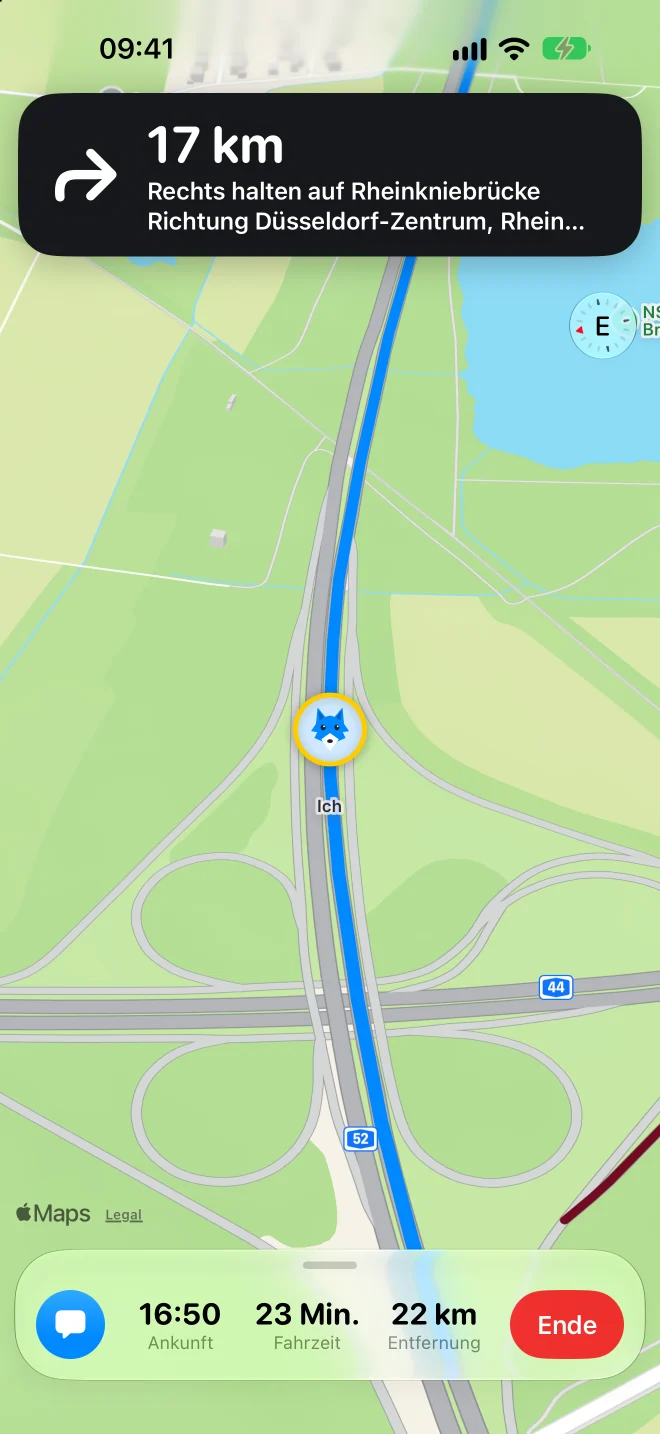
Follow the leader. The route moves with it.
New
Drive together. As a pack.
Every car on one map, one route for everyone, and follow the leader.
For iPhone and Apple Watch. Free during the beta.
One red light. One wrong turn. And the car ahead is gone. With Leadwolf, nobody gets left behind.
Follow
Routes
Pack
Messages
Avatars
Search
How the pack drives
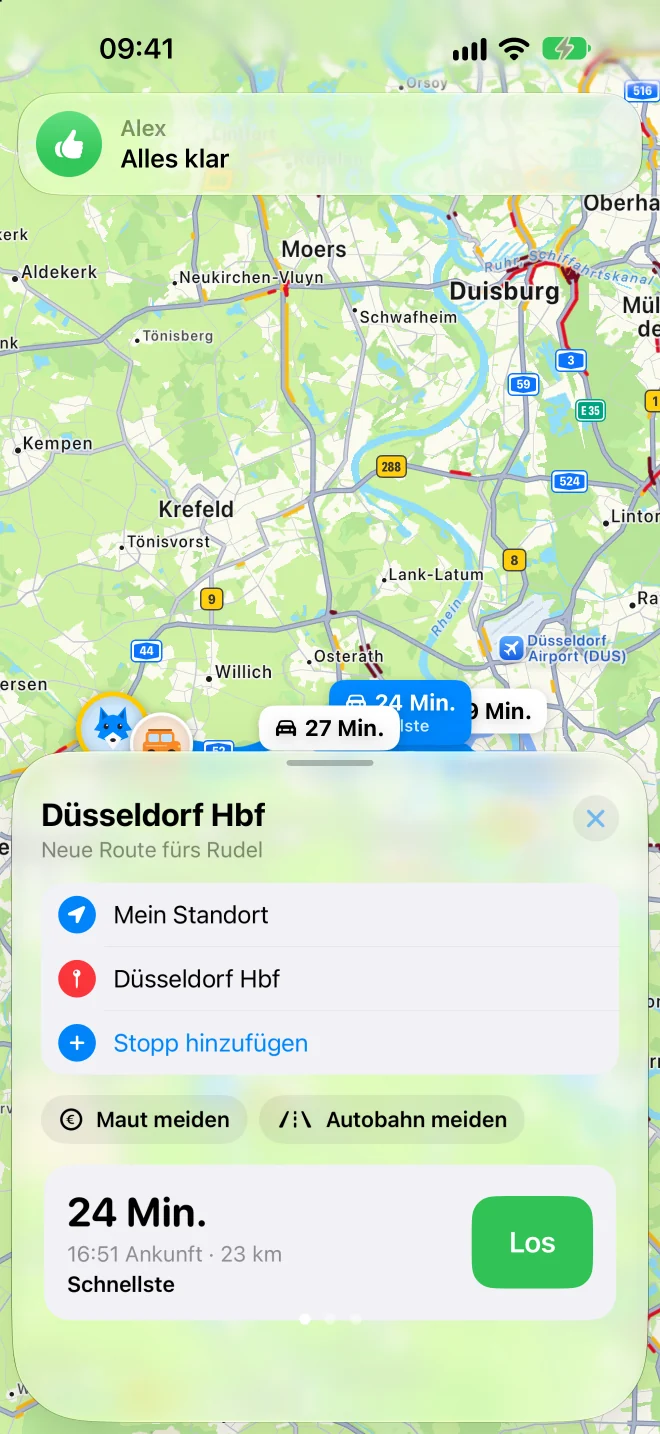
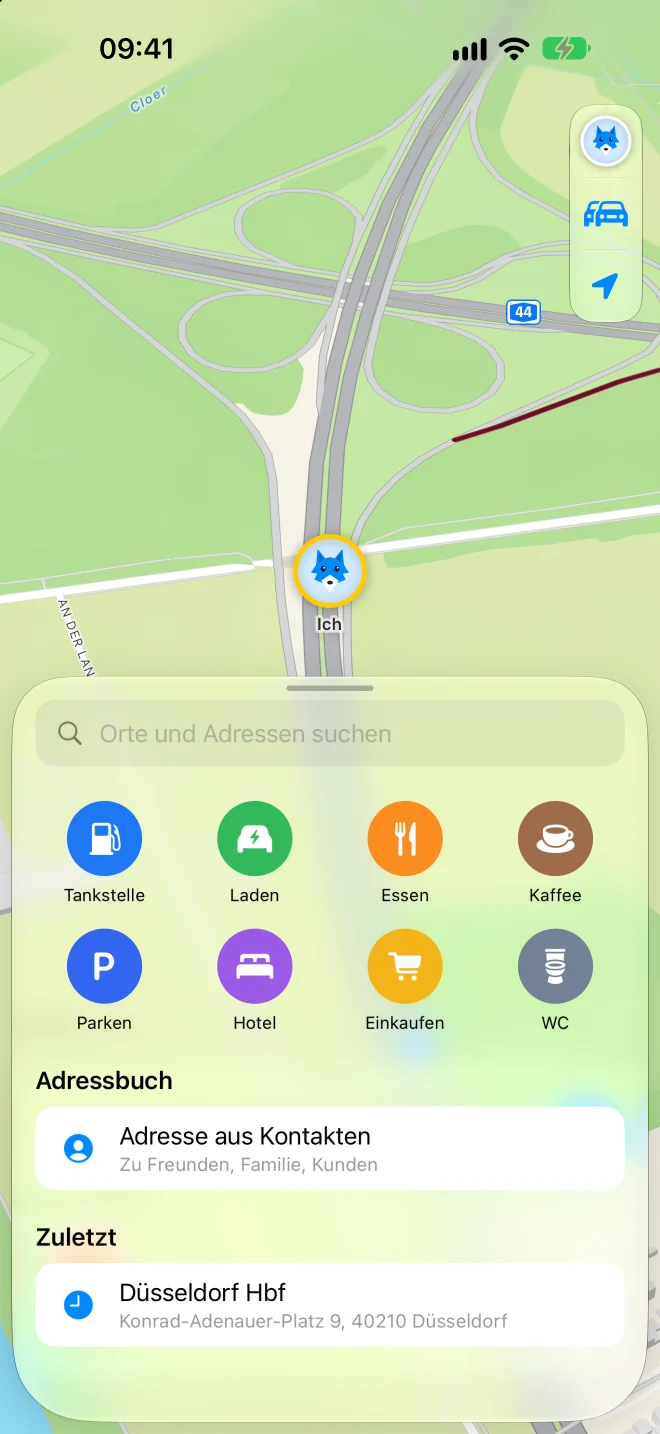
Search a place, pick the route you like, avoid tolls or highways. Tap Go and the whole pack gets the route.
Spoken turn-by-turn directions, arrival time and distance. Or simply follow the leader, even when it turns on a whim.
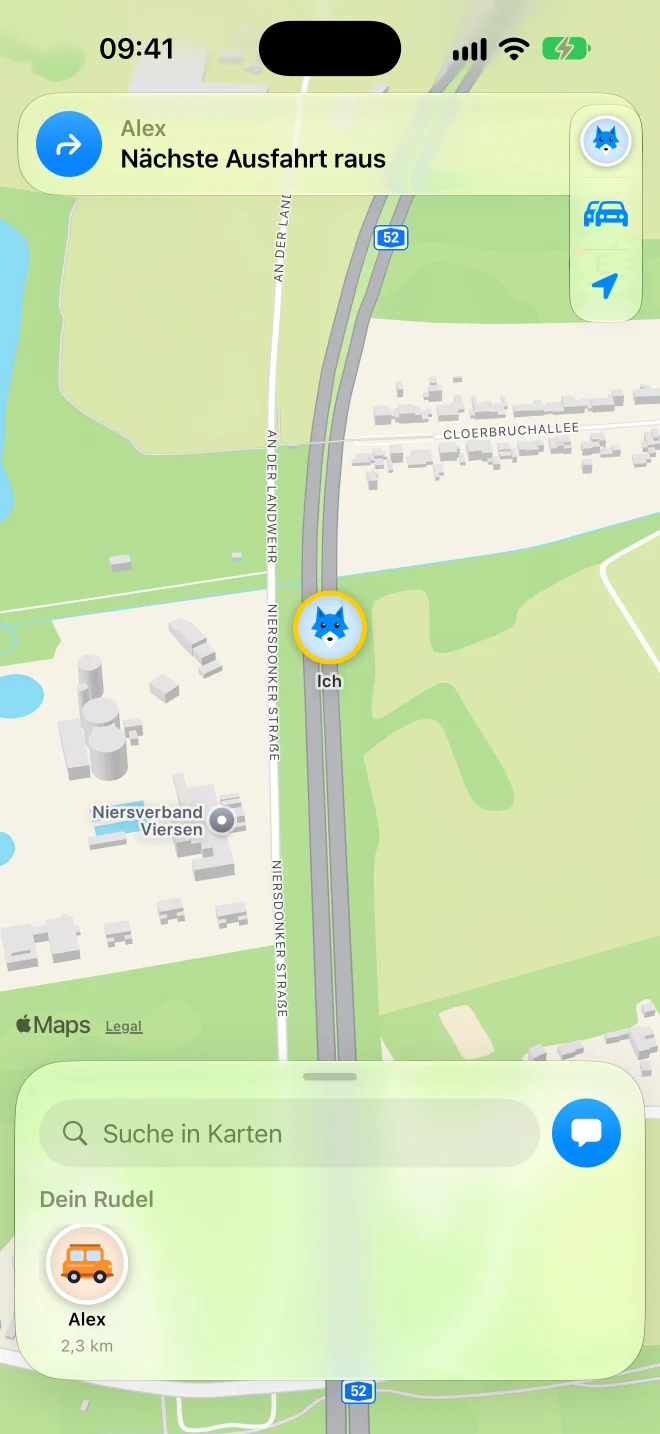
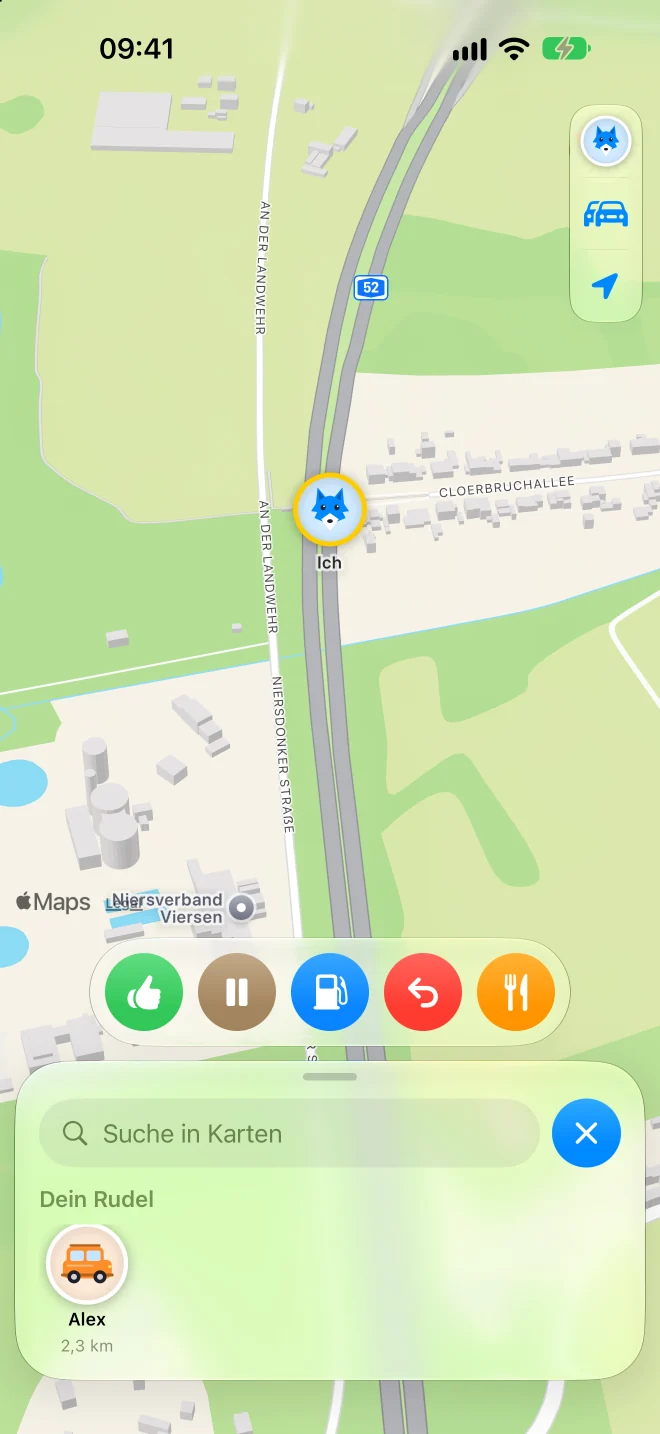
Five icons you choose yourself, or hold to talk like a walkie-talkie. Everyone sees and hears it instantly.
Maps, search and routes come straight from Apple.
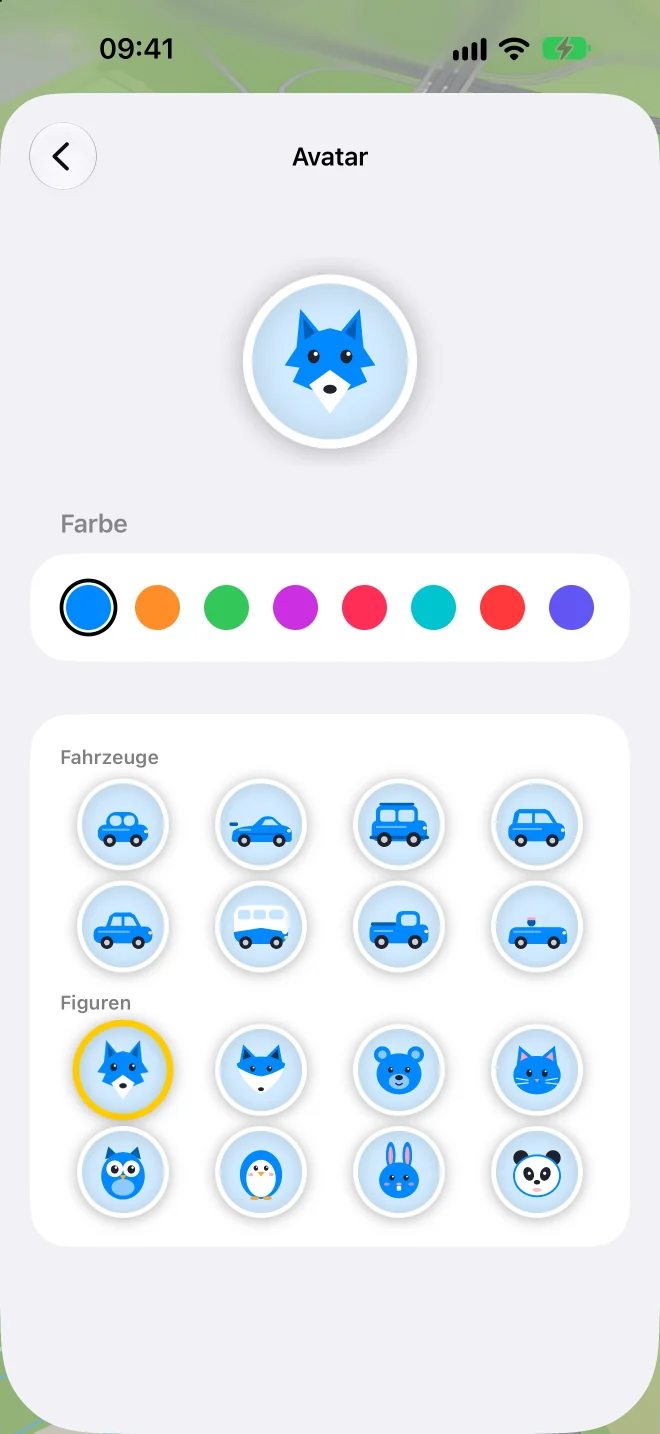
Eight vehicles, eight characters, eight colors.
The next turn and the car ahead, without opening the app. Your wrist taps before every turn.
Hold the button, talk, let go. Your pack hears you right away.
From 16 icons, your choice.
Our server only passes data on. It can't read a thing.
Fastest or most scenic. Avoid tolls and highways if you like.
No password, no email address. And you delete your account with one tap.
Voice, speed, all prompts or turns only. Your music dips for a moment.
Small helpers that keep the pack together, from the first turn to the last parking spot.
The pack on your car's screen, with turn-by-turn guidance and follow the leader.
Road works, accident, traffic jam: one tap, and every car heading there gets a spoken warning.
The road's limit as a sign on the map and in CarPlay. If you're going too fast, you get a subtle heads-up.
Rain, ice or thunderstorms on your way, with place and time, before you get there.
Every radio message also shows up as text, transcribed right on your iPhone.
One tap asks the pack. If most say yes, Leadwolf finds a rest stop ahead of you.
Share the route now, leave later. With a countdown and a ready check for everyone.
Driving electric? On long trips Leadwolf suggests charging stops close to your route.
Send your arrival time and a live link via iMessage.
Lets you know when a car falls behind or the lead wolf gets too far ahead.
Someone needs gas or a charger? Leadwolf finds a station ahead that works for everyone.
Coming from different places? Get a spot where everyone arrives at about the same time.
Who arrives when, at a glance. And who is already there.
Whoever waits at home follows the pack in the browser. Encrypted, ends after 12 hours.
Your route draws itself on the map. As a short video with logo, in portrait for TikTok and Reels, square or landscape.
Say “Hey Siri, radio message with Leadwolf” or press the voice button on your steering wheel. Talk after the tone.
Start a radio message or open your pack with one press.
Your last trip with distance and drive time, right on your Home Screen.
Apple Watch taps before every turn. Right feels different from left.
VoiceOver reads out who is where. Large text and Reduce Motion are supported.
Leadwolf speaks your language, voice guidance included.
Your location is private. Only the cars the leader lets in can join.
In the other car, straight from the leader's screen.
Both iPhones show the same six-digit number.
Only then do they get the key to the pack.
The first car is the leader and shows a QR code.
Scan the code, compare the PIN, let them in.
Pick a destination or follow the leader.
Leadwolf is in beta. Install the latest version with Apple's TestFlight and tell me what should get better.
Designed and built by Fabian Faraz Farid in Germany.